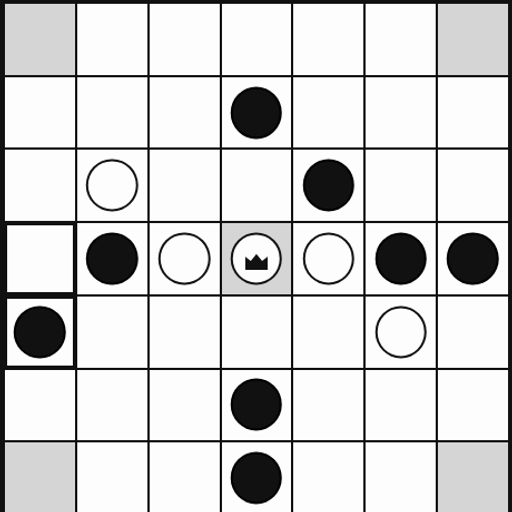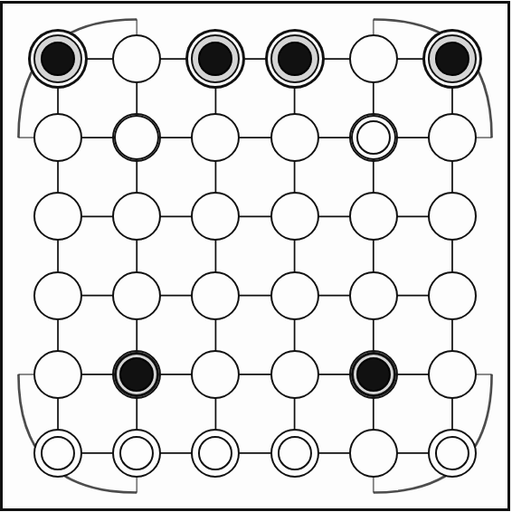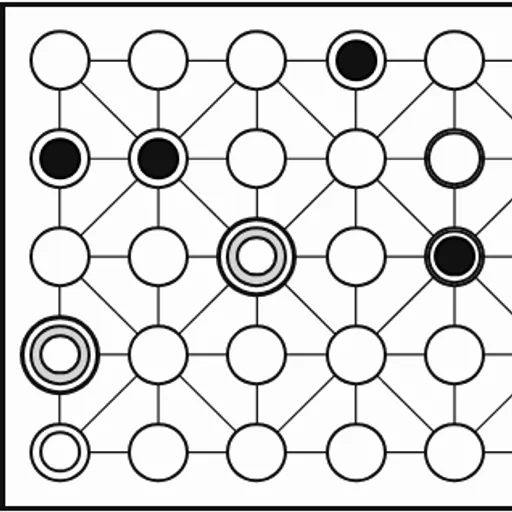
Fanorona is a traditional strategy game from Madagascar, played on a board of 5 rows and 9 columns linked by straight and diagonal lines. Each side has 22 pieces, so the board starts nearly full. Captures are the heart of it, and they work in a way you rarely see elsewhere. You never hop over pieces. This version is part of Christopher Müller’s open-source PaperGames collection.
The Board and Pieces
Pieces sit on the points where lines cross, not inside squares. Every point links to its neighbors across and up and down. About half the points also have diagonal lines, which gives them up to eight directions.
White always moves first. On a turn you slide one piece along a line to a neighboring empty point.
Capturing a Whole Line
There are two ways to capture, and both can take many pieces at once.
- Approach: slide so your piece ends right next to an enemy piece, in the same direction you moved. That piece and every enemy piece lined up behind it are removed.
- Withdrawal: slide directly away from an enemy piece you were touching. That enemy line is removed instead.
When a slide could do either, two buttons appear: “Capture forward (approach)” and “Capture backward (withdrawal).” Pick the one you want.
How to Control Fanorona
| To do this | On a keyboard | With a mouse | On a touchscreen |
|---|---|---|---|
| Slide a piece | Arrow keys and Enter to select the piece, then the destination point | Pick your piece, then the empty point it should move to | Tap your piece, then the empty point it should move to |
| Select the capture type | — | Hit "Capture forward (approach)" or "Capture backward (withdrawal)" if both are available | Tap "Capture forward (approach)" or "Capture backward (withdrawal)" |
| Stop a capture chain early | — | Hit "Done capturing" | Tap "Done capturing" on screen |
| Play against the computer | — | Hit "vs Computer", choose white or black plus a level, then hit "New game" | Tap "vs Computer", choose white or black plus a level, then tap "New game" |
| Undo a move | — | Hit "Undo" | Tap "Undo" on screen |
Chains and Forced Moves
After capturing, the same piece may keep going. Each new step has to change direction, and it cannot land on a point the piece already visited this turn. Press “Done capturing” whenever you want to stop.
Captures are required. If any of your pieces can capture, you must make a capturing move. A plain move with no capture, called a paika, is only allowed when no capture exists anywhere.
Playing Well
- Hunt for long rows. One approach into a line of four removes all four.
- Look behind you. A slide forward might also open a withdrawal capture. Check both before you move.
- Bait with forced captures. Offer a piece where your rival’s only legal capture walks into a bigger chain for you.
- Hold strong points. Points with diagonals let a piece strike in more directions.
- Value mobility late. When few pieces remain, room to move matters more than numbers.
Options and Feel
You can face the computer at Easy, Medium or Hard, as white or black, or play a friend on one device. Captured piece counts show under the board. Undo, Resign and a saved game in progress are all there, and you can play with a keyboard as well as by tap or click.
Fanorona suits players who enjoy classic board games with fresh rules. If you like capture games, try Checkers or browse more card and board games.
Last played and checked by SZ Games: