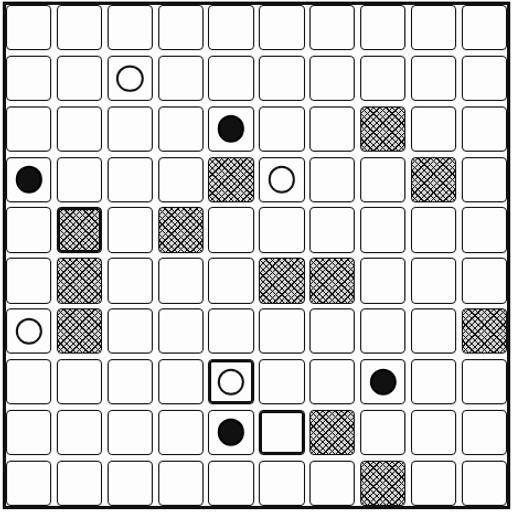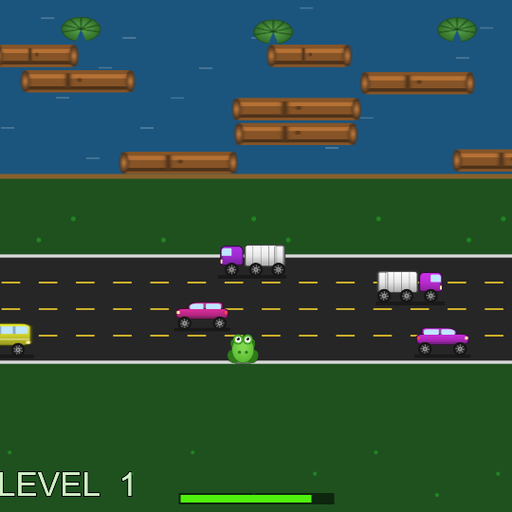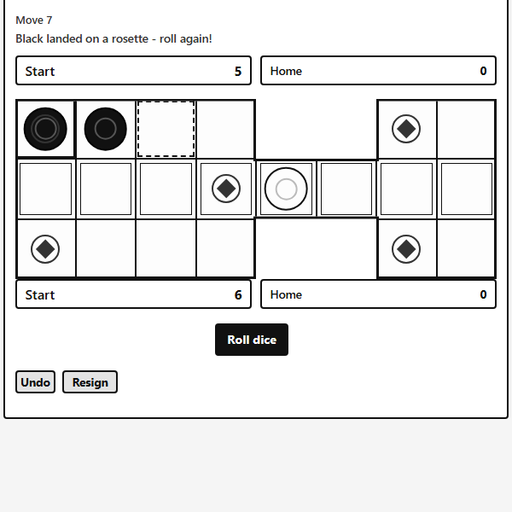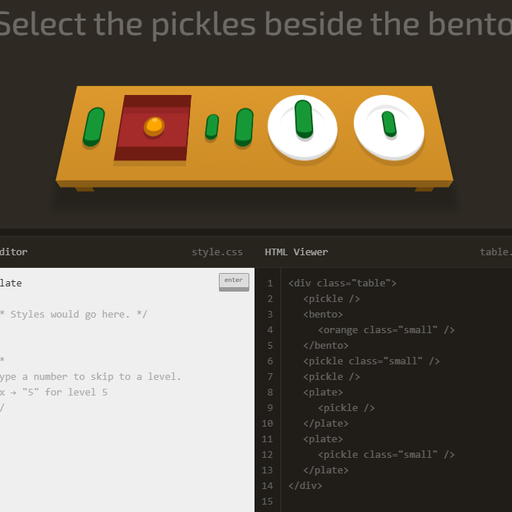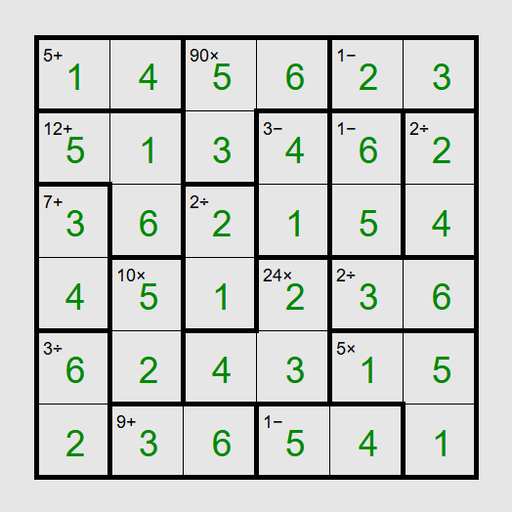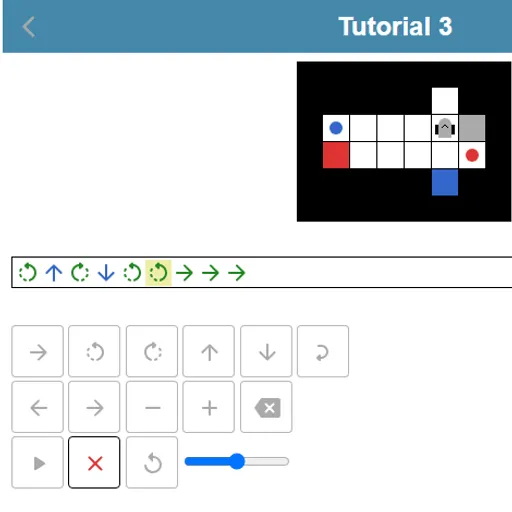
Robot Coder is a puzzle about thinking a few steps ahead. A small robot waits on a grid next to colored items and colored targets. You type its whole program first. Then you press play and can only watch. There is no steering once it starts, so one wrong count sends it into a wall. Schnark made it for the js13kGames 2018 contest.
What You Are Trying to Do
Every item must end up on a target of the same color. The robot can carry one item at a time. It can also set an item down on an empty square and come back for it later, which opens up some clever routes.
Building a Program
Your code is a row of symbols. A green arrow moves one square ahead. Curved arrows turn the robot left or right on the spot. Blue up and down arrows take or drop an item.
Note that the robot acts on the square in front of it, not the one it stands on. To grab an item, it has to face it. To drop one on a target, it has to face the target.
Loops shrink long programs. A loop wraps a part of your code and repeats it from two to nine times. Four forward steps in a row can become one short loop.
Press play and the robot runs from start to end. You can cancel a run, but you cannot edit it mid-way. A highlighted symbol shows which step is running, and a slider changes the speed.
How to Control Robot Coder
| To do this | On a keyboard | With a mouse | On a touchscreen |
|---|---|---|---|
| Insert a forward step | Underscore (_) | Click the forward arrow key | Tap the forward arrow key |
| Rotate left or right | < or > | Click one of the turn keys | Tap one of the turn keys |
| Pick up or put down an item | Up arrow (take), Down arrow (drop) | Click the up or down arrow key | Tap the up or down arrow key |
| Insert a repeat loop | Enter a number from 2 to 9, then use + or - to adjust it | Click the loop key, then plus or minus | Tap the loop key, then plus or minus |
| Move the cursor or erase | Left/Right arrows, Home, End, Backspace | Click the left, right or delete key | Tap the left, right or delete key |
| Start the robot | Press Enter | Click the play button | Tap the play button |
Ways to Solve Faster
- Count squares before typing. Trace the path with your eyes and remember to stop one square short of each item.
- Track which way it faces. Two turns in the same direction leave it facing back the way it came.
- Park items when a path is blocked. Moving one item aside can clear the road for another.
- Run slowly to find bugs. Lower the speed and watch the highlight to see where things go wrong.
- Solve first, shorten second. Get any working answer, then replay and fold repeats into loops.
Who It Suits
Robot Coder is a gentle start for kids and adults who are curious about code, since it needs no text syntax. It also has enough tricky levels to keep puzzle fans busy. Your shortest solution for each level is saved in the browser. You can find more logic challenges in our puzzle games, including Block Code Maze.
On Phones and Tablets
Every command has its own on-screen key, so taps alone are enough. The board and keypad stack in one column, which fits a phone held upright. A mute button turns off the beeps.
Last played and checked by SZ Games: