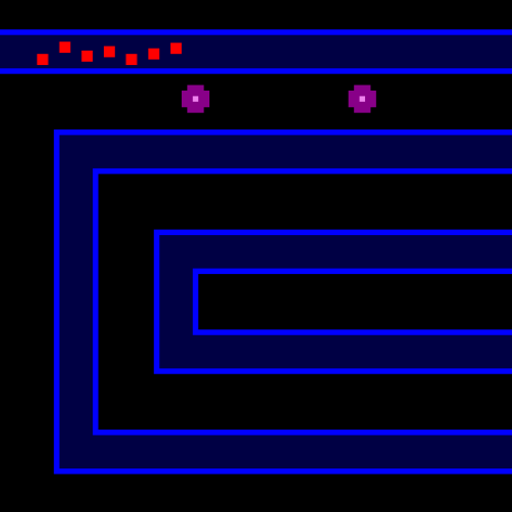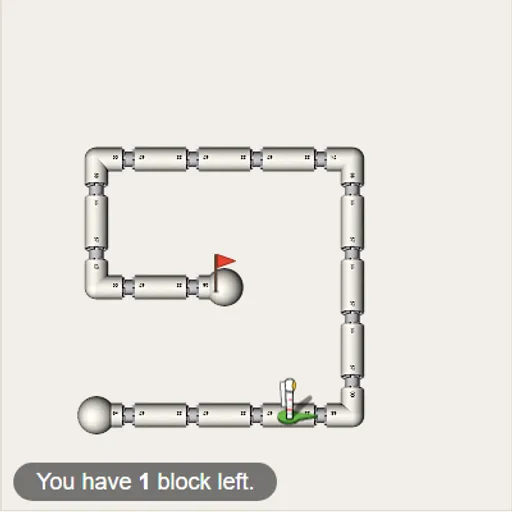
Block Code Maze is a first step into programming that uses no typing at all. You drag colored blocks into a stack, press Run, and an astronaut walks a maze of white pipes by following your stack one block at a time. It comes from Google’s open-source Blockly Games, and its ten levels slowly build from plain steps to a program that can solve mazes by itself.
Reaching the Flag
Each level has one goal: get the astronaut to the red flag. The maze is on the left. On the right are a gray toolbox and a white workspace. Pull blocks into the workspace and stack them until they click together. Top to bottom, that stack is your program.
Press Run Program and watch. If the astronaut reaches the flag, a message pops up with the JavaScript version of your blocks. Click OK for the next level. If it bumps a wall or stops early, press Reset and try something new.
New Ideas, Level by Level
- Sequences. The first mazes only need “move forward” and “turn.”
- Loops. “Repeat until” lets one short loop replace a long chain of steps.
- Decisions. “If path” and “if-else” blocks check which way is open.
- Budgets. Many levels cap how many blocks you can use, so long stacks stop working.
By the last level, you need a general rule that works no matter how the maze bends.
How to Control Block Code Maze
| To do this | With a mouse | On a touchscreen |
|---|---|---|
| Put a block into your program | Pull it out of the gray toolbox onto the white workspace | Drag it across with a finger |
| Connect blocks | Let go of a block right below or inside another so it snaps into place | Let go of it below or inside another block |
| Delete a block | Drag it to the trash can or back into the toolbox | Drag it to the trash can |
| Pick a new direction in a block | Click the little drop-down arrow on that block | Tap its drop-down arrow |
| Start or stop the program | Click Run Program, and later Reset | Tap Run Program, and later Reset |
| Switch to a different level | Click one of the dots or numbers along the top | Tap one of the dots or numbers |
Problem-Solving Tips
- Plan the route first. Count steps and turns before you drag anything.
- Spot repeats. If a pattern like “forward, turn left” keeps showing up, put it inside one loop.
- Use the budget as a hint. A tiny limit means the level wants a loop or an if block.
- Think from the astronaut’s view. “Turn left” is its left, which can be your right when it faces down.
- Follow a wall. For the final mazes, keep going forward and turn whenever a side path opens.
Who It Is For
Kids, students and adults with no coding background can all start here. Progress saves in your browser. Dragging works on touch screens, but a larger screen helps fit the maze and workspace side by side. Next, try Block Code Turtle Art to draw shapes with the same kind of blocks.
Last played and checked by SZ Games: