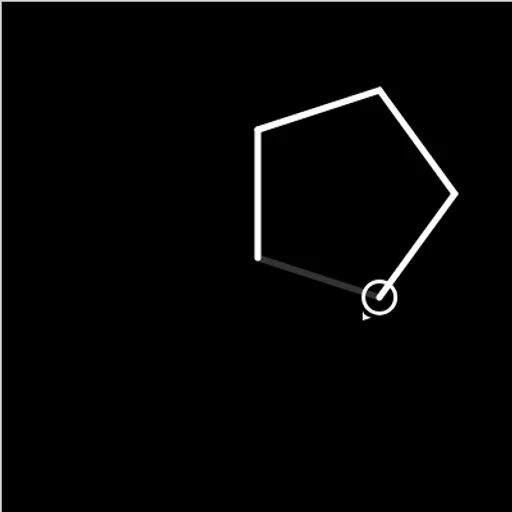
Block Code Turtle Art is a coding puzzle where your program holds the pen. A small turtle, drawn as a circle with an arrow, waits on a black canvas. Tell it to move forward 100 or turn right 90 degrees, and it leaves a white line behind. Based on Google’s open-source Blockly Games, it shows how a short loop can draw what would take dozens of single steps.
Your Task on Each Level
A faint gray outline shows the target picture, and a short line of text states the goal, such as drawing a square. Build a program that traces that outline. When your lines match it, the level is solved and the game displays the JavaScript your blocks produced.
Building and Running
Open a category on the left side of the workspace, drag blocks out and snap them into a stack. Press Run Program and the turtle draws at the speed on the slider. If something is off, press Reset, tweak a number or swap the order, and try again.
The Ten Goals
The path climbs at a steady pace:
- A square, then a pentagon
- Stars made from just a few blocks
- Four stars set out in a square
- Yellow stars with white lines
- A full moon made of 360 short lines
- A crescent moon
- A free canvas with no target at all
How to Control Block Code Turtle Art
| To do this | With a mouse | On a touchscreen |
|---|---|---|
| Expand a block category | Click Turtle, Loops or any other category name | Tap a category name |
| Put the program together | Pull blocks onto the workspace and snap them to each other | Drag the blocks with a finger |
| Edit a distance, angle or color | Click a block's value and choose another | Tap the value and choose another |
| Draw or clear the picture | Click Run Program, and later Reset | Tap Run Program, and later Reset |
| Adjust drawing speed | Slide the control between the turtle and rabbit icons | Drag the speed control |
Geometry Tricks
- Total turn is 360. A closed shape always turns a full circle in the end.
- Stars turn sharper. A five-point star uses 144-degree turns, so its lines cross.
- Lift the pen to reposition. Move to a new corner without leaving a mark.
- Loops inside loops. One loop draws a star, and an outer loop repeats it and moves to the next spot.
- Slow down when stuck. Drag the slider toward the turtle icon and watch where a line goes wrong.
Pen Options and Saving
You can change pen color and line width, and raise or lower the pen. Finished levels are saved in your browser. Dragging works with a finger, but you need room for the canvas and the workspace side by side, so a tablet held sideways beats a phone.
Where to Go Next
This is a nice middle step between simple block puzzles and real code. Try Block Code Maze for loops and decisions, or Block Code Music to learn functions with a song.
Last played and checked by SZ Games: