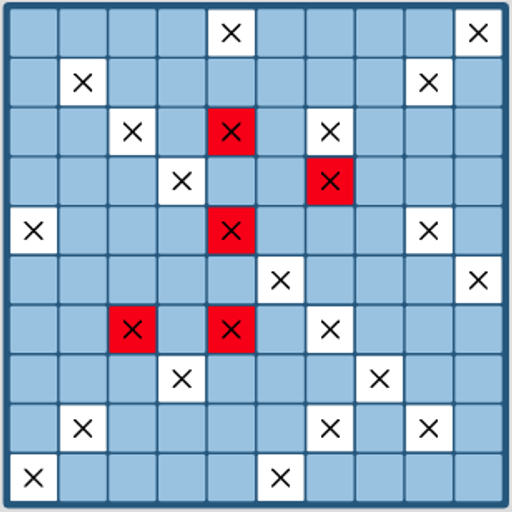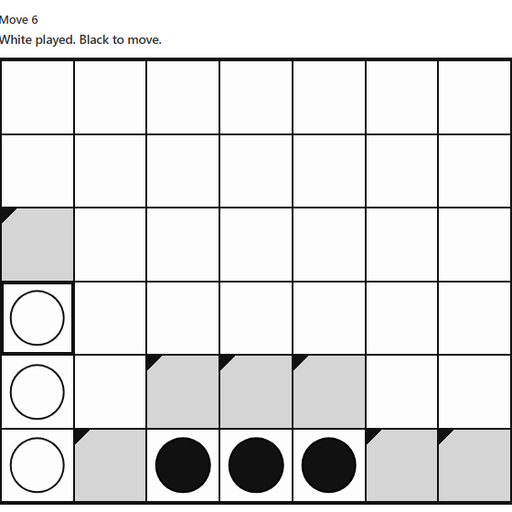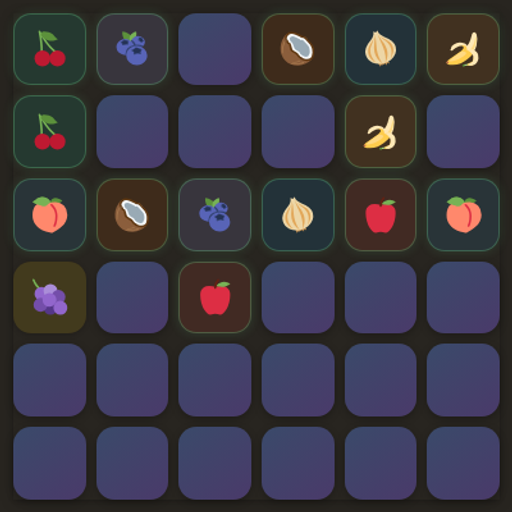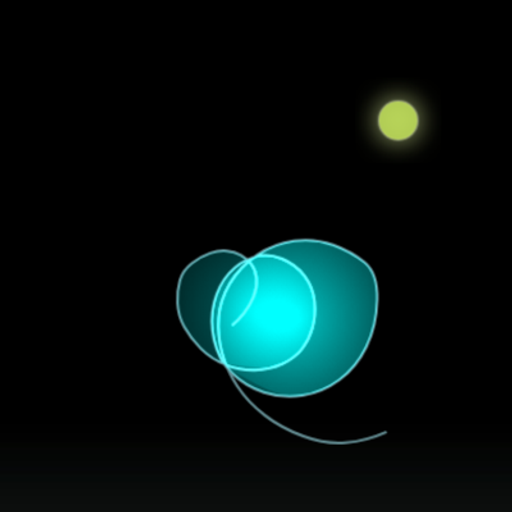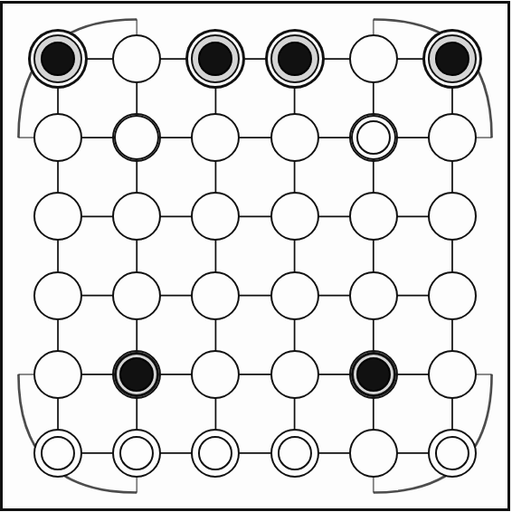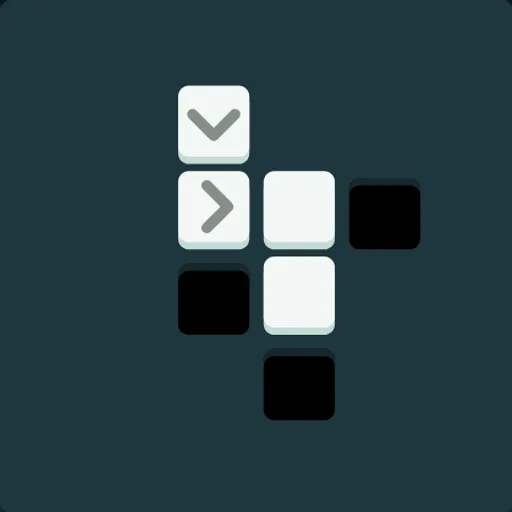
Black Hole Square is a quiet puzzle game built for js13k 2021, a contest where every entry must fit in 13 kilobytes. Each level is a 6x6 board with a few white tiles and one or more black holes. You must clear away every tile using a small, fixed number of taps. The game barely explains itself, so figuring out the rules is part of the puzzle.
What Counts as a Win
A board is clean when only black holes remain. Clear it and the next puzzle slides in. Run out of moves, get stuck, or leave only plain tiles that nothing can push, and the puzzle resets with a message like “Out of moves!”, “Stuck” or “Not clean…”.
Meet the Tiles
- Arrow tiles do the heavy lifting. Tap one and it moves one step in its direction, pushing every tile lined up ahead of it.
- Plain white tiles cannot be tapped. They move only when an arrow shoves them.
- X tiles disappear when you tap them.
- Neutron stars have a gray square in the middle. Tap one and it collapses into a new black hole.
When a pushed line reaches an empty cell, the whole line shifts. When it reaches a black hole, the front tile falls in and is gone. When it meets the edge of the board, nothing moves at all.
Getting Around
Swipe left past the title and welcome screens to start. The puzzle name is in the top left and your remaining moves are in the top right. Swipe right to reset a puzzle at any time.
How to Control Black Hole Square
| To do this | With a mouse | On a touchscreen |
|---|---|---|
| Activate a tile (push a row, pop an X, or collapse a star) | Click on the tile | Tap on the tile |
| Advance to the next screen | Drag leftward across the board, or scroll sideways with a trackpad | Swipe to the left |
| Reset the puzzle (or step back if you haven't moved yet) | Drag rightward across the board, or scroll sideways with a trackpad | Swipe to the right |
| Go straight to any puzzle | Pick a square in the progress row below the board | Tap a square in the progress row below the board |
Thinking Ahead
- Read the move count first. The opener gives you exactly four taps, and it needs all four.
- Stack a line before pushing. One arrow can carry several tiles toward a hole in a single tap.
- Never strand plain tiles. If no arrow can reach a white tile, the board cannot be cleaned.
- Place holes with stars. Collapse a neutron star where a pushed row is going to land.
- Shove X tiles when you can. Pushing one into a hole along with a row saves a separate tap.
Good for Short Sessions
Each board takes a minute or two, and your progress saves in the browser. Everything is a tap or a swipe, so it plays well one-handed on a phone. Sounds are simple tones made in code. If you want another compact logic set, try Inertia Gem Slide on SZ Games.
Last played and checked by SZ Games: