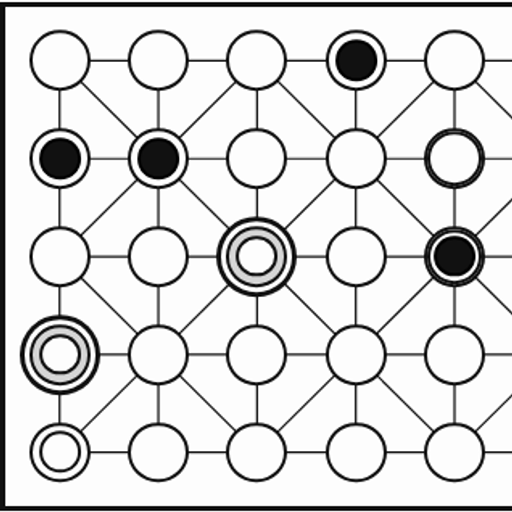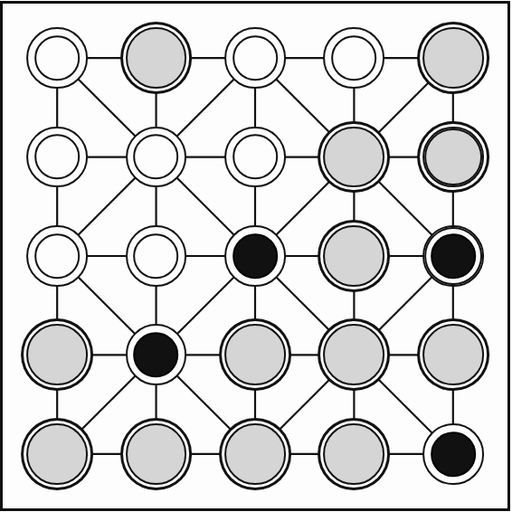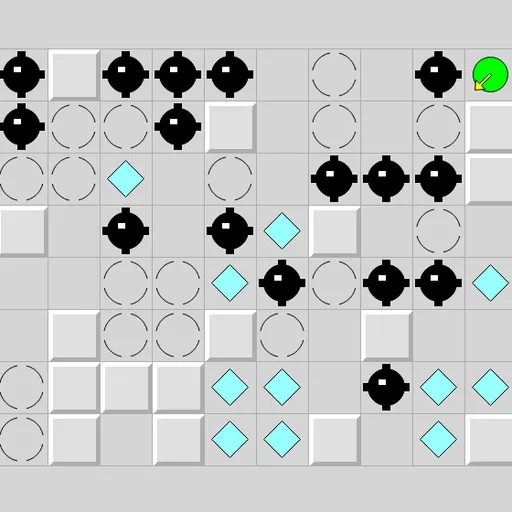
Inertia Gem Slide places a small green ball on a grid full of walls, gems, mines and stop squares. The problem is that the ball has no brakes. Once you send it in a direction, it keeps rolling until something halts it. Along the way it picks up every gem it passes. Your goal is to collect them all without ever rolling into a mine. The puzzle is Inertia from Simon Tatham’s Portable Puzzle Collection, based on an older Windows game by Ben Olmstead.
What is on the grid
- Walls are raised gray blocks. The ball stops on the square just before one.
- Stop squares look like broken circles. The ball halts on one no matter which way it came from.
- Gems are cyan diamonds. The ball grabs them as it rolls over and does not slow down.
- Mines are black spiked balls. Rolling into one is a death.
Making a move
Pick one of eight directions: up, down, left, right, or one of the four diagonals. With a mouse or a finger, click or tap on the grid in the direction you want. With a keyboard, use the arrow keys or the number pad.
The status bar shows how many gems are left. When it reaches zero, it reads COMPLETED. There is one catch. If your last gem and a mine sit on the same roll, the mine wins and you lose that roll.
How to Control Inertia Gem Slide
| To do this | On a keyboard | With a mouse | On a touchscreen |
|---|---|---|---|
| Roll up, down, left or right | Arrow keys or number pad 8, 2, 4, 6 | Left-click on the grid on that side of the ball | Tap on the grid on that side of the ball |
| Roll on a diagonal | Number pad 7, 9, 1, 3 | Left-click on a diagonal away from the ball | Tap on a diagonal away from the ball |
| Take the move the hint arrow shows after Solve | Space | — | — |
| Undo (works after a mine too), redo, new grid | U / R / N | Use the Undo move, Redo move and New game buttons | Use the Undo move, Redo move and New game buttons |
How to plan your path
The best habit is to trace the whole roll in your head before you move. Follow the line to where the ball will really stop, not just to the next gem. Check every square along the way for mines.
- Stop squares are safe landings. Routes that jump from one stop square to the next are easy to predict.
- Look for diagonal gaps. Two walls meeting only at corners still let a diagonal roll through.
- Never enter a dead end blindly. Before grabbing a gem in a pocket, make sure you can roll back out.
- Use the hint arrow. If you are stuck, the solver can point you one step forward.
- Undo without fear. A mistake is not the end, though the death counter keeps score.
Why it is a good puzzle
Each board is a short, clear problem with a lot of small choices. It suits players who like thinking a few moves ahead more than fast reflexes. If you want a similar challenge, try Fifteen Slide or browse all our puzzle games.
Last played and checked by SZ Games: