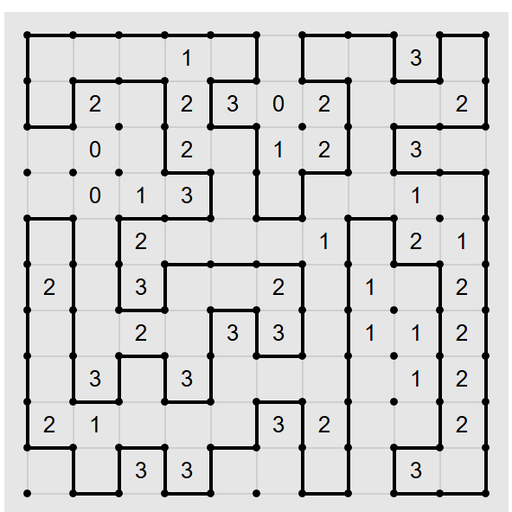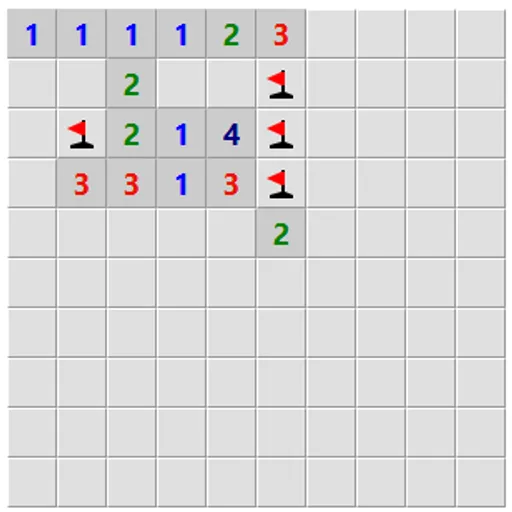
Logic Mines looks like the classic mine-clearing grid, but it plays by stricter rules. The mines are not set in stone when the round begins. A built-in solver places them as you go, and it always punishes a lucky guess. The upside is fair play: when you truly have no safe move, the guess you make will work. So every loss is a deduction you missed, not bad luck.
The Basic Idea
Open a square and it shows a number. That number is how many of its eight neighbors hold mines. You win when every square without a mine is open. Your first click is always safe.
How the Solver Treats Your Clicks
Here is the twist in plain terms:
- If a provably safe square exists anywhere on the edge of the open area, and you click a different, unproven square, the solver makes it a mine.
- If no safe square can be proven, any edge square that could be empty will be empty.
- Guesses far from the open area are not covered unless you tick “Allow guessing anywhere.”
So the right habit is to search the whole edge before you take a risk.
How to Control Logic Mines
| To do this | With a mouse | On a touchscreen |
|---|---|---|
| Uncover a square | Left-click it | Tap it |
| Rotate through flag, question mark and blank | Right-click it | Hold your finger on it for half a second |
| Uncover every neighbor of a number with all its mines flagged | Double-click or middle-click that number | — |
| Uncover a square in safe mode | Double-click it | — |
| Begin a fresh board | Press "New game" | Tap "New game" |
Flags, Hints and Undo
Right-click, or press and hold on touch, to cycle a flag, a question mark and blank. With a number’s mines all flagged, a double-click or middle-click opens the rest of its neighbors.
Stuck? The hint button tells you whether safe squares exist, whether you must guess, or whether one of your flags is wrong. After a loss, small markers appear: a dot for a square you could have proven safe, an exclamation mark for a sure mine and a question mark for one that could go either way.
Settings Worth Trying
- Countdown numbers show only the mines still unflagged around each square.
- Safe mode makes opening a square need a double-click, so a stray tap can’t end the round.
- Debug view is there if you want to peek at how the solver thinks.
- Presets run from Easy to Expert, or set your own size.
Habits That Help
- Scan before you click. A single missed safe square turns your guess into a loss.
- Flag sure mines fast. It unlocks the quick-open shortcut and keeps the board tidy.
- Learn from the markers. After a loss, find the dot you overlooked and see why it was safe.
Is It for You?
If you enjoy mine puzzles but hate losing on coin flips, this version is built for you. It rewards patience over speed. You can find more grid logic, such as Light Up Lamp Puzzle, among the puzzle games here.
Last played and checked by SZ Games: